The Society of Brevity is for those who believe most sentences can end sooner. We honor concision, condemn excess, and keep introductions short.
Liam Hodder writes about how the punk and hardcore community in Alberta are galvanizing against a common enemy, the United Conservative Party. A great read on how local music scenes double as political communities.
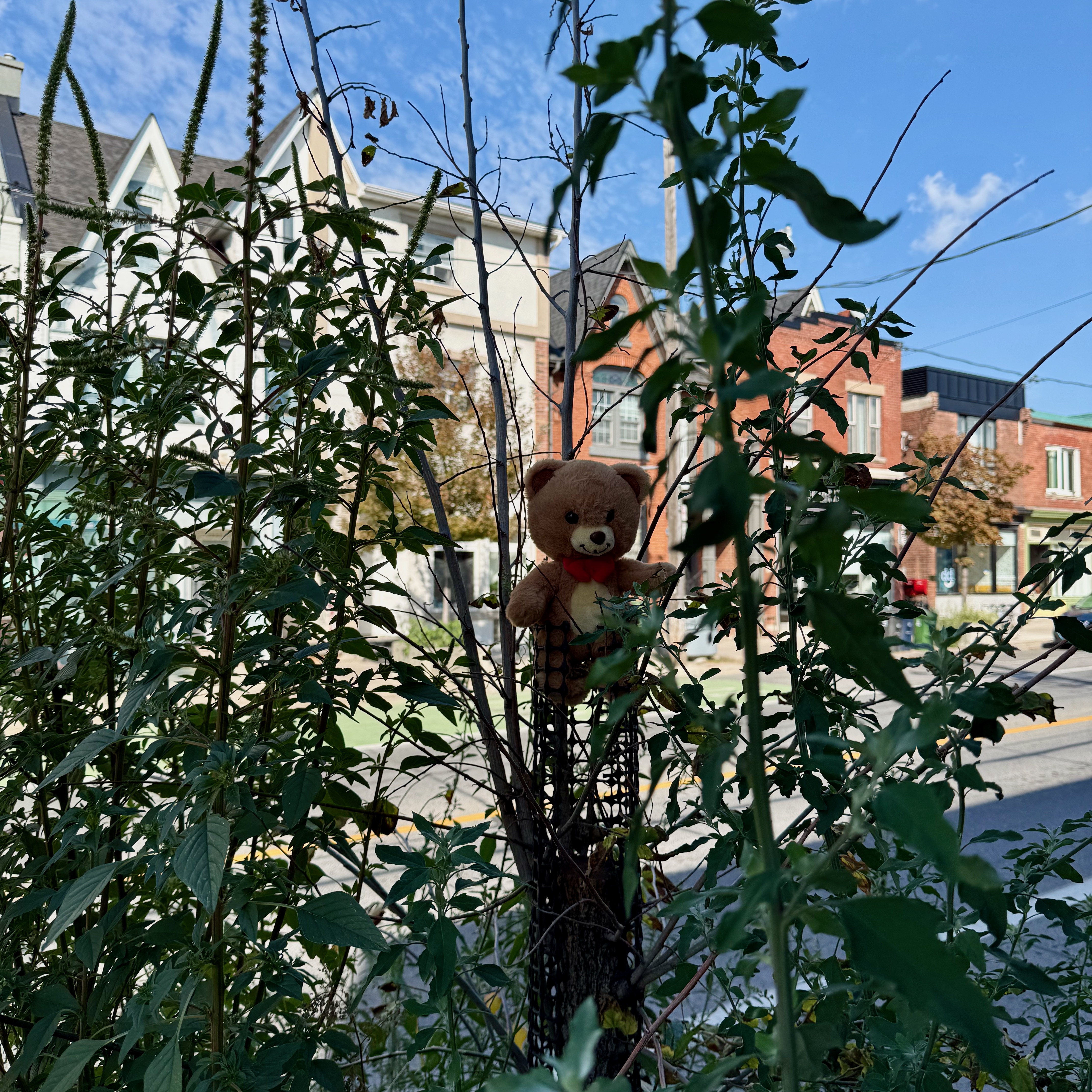
Someone left a small guardian in the garden.
Steve Simkins built a site about how the answer to doomscrolling and disconnectedness is Blog Feeds. It’s meant to be an antidote to endlessly scrolling, just a curated list of people you actually care about.

Spotted a Lovebot stencil tucked along a brick wall tonight.
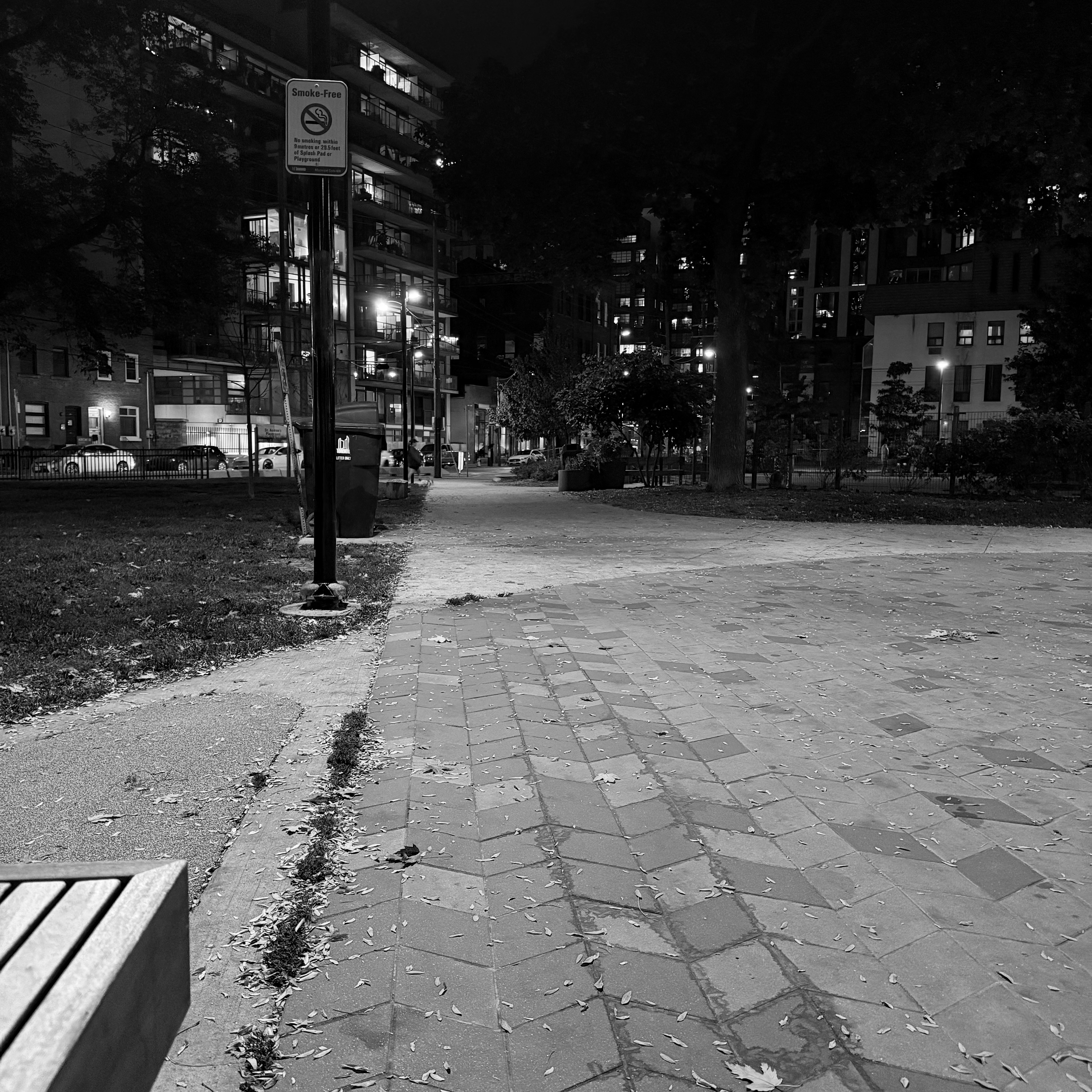
Waiting for a friend at St. Andrew’s Playground Park.
Movie Mice Theatre
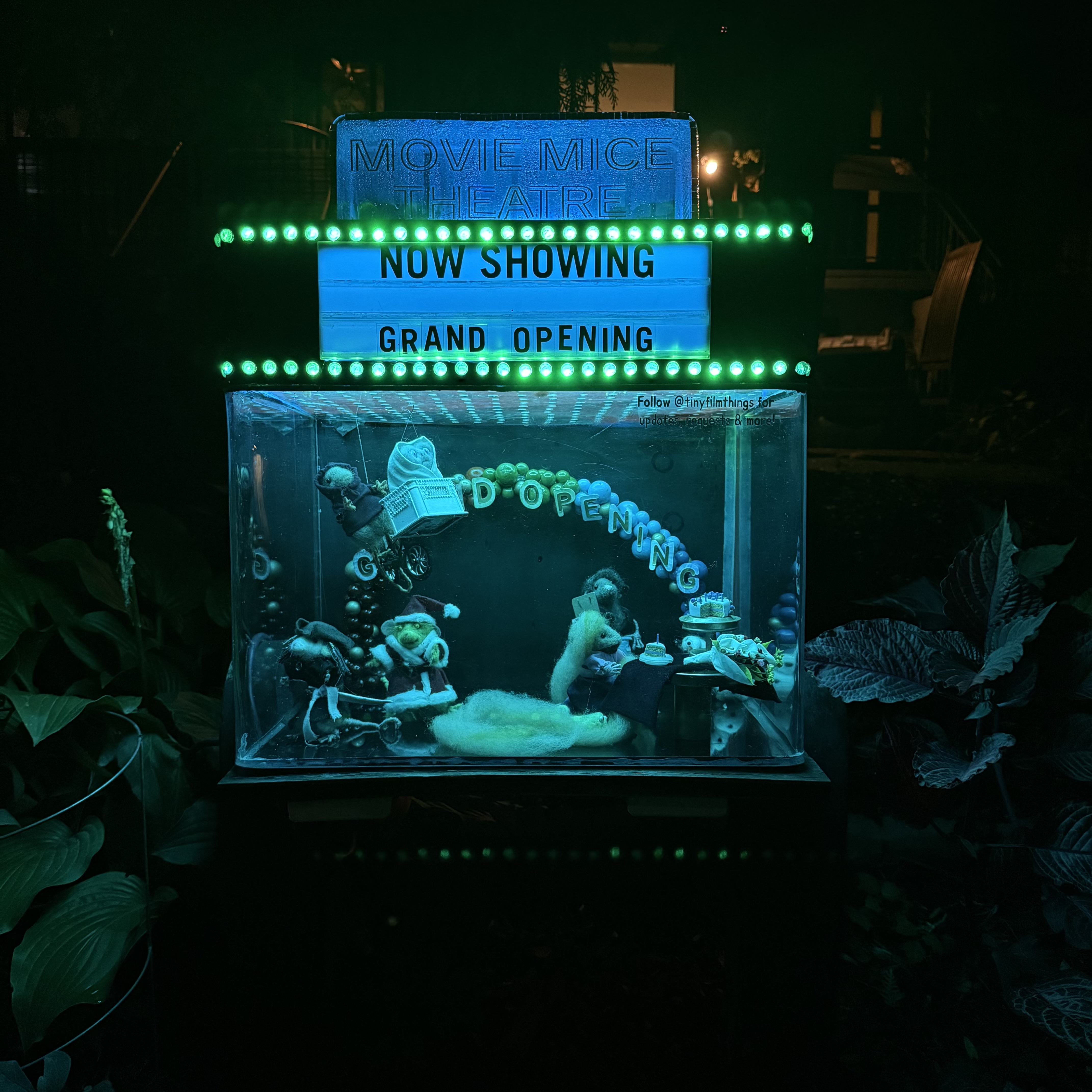
Saw this cute diorama on my evening walk tonight.
Red Light Signing Through my Window

They are filming a movie outside my apartment and there is a huge red light coming into my window.
Building a Calendar Interface in Astro
How I built a static calendar interface in Astro using date-fns.
I wanted my website to have a clean, static calendar interface to showcase all my RSVP posts. At first, I considered using FullCalendar, an excellent package, but a bit too heavy for my needs. I wanted something that rendered at build time, without extra client-side scripting. Building a lightweight calendar in Astro with date-fns was surprisingly straightforward.

Screenshot of the calendar interface for this website.
The Code
I am using date-fns to do a lot of the heavy lifting here.
Get the Static Paths
The getStaticPaths generates multiple page routes from a single .astro page component.
import { getCollection } from "astro:content";
import dateFns from "date-fns";

export const getStaticPaths = () => {
  // The events collection is pretty generic, it would look something like
  // this:
  //
  // const eventsCollection = defineCollection({
  //    loader: glob({ pattern: "*.md", base: "./src/content/events" }),
  //    schema: z.object({
  //        name: z.string(),
  //        startsAt: z.date(),
  //        endsAt: z.date().optional(),
  //        isAllDay: z.boolean(),
  //    }),
  // })
  const allEvents = getCollection("calendarEvents");

  // We want to get the upper and lower bound of the calendar pages without it
  // we would have to have every possible month.
  const eventDates = allEvents
    .flatMap((post) => [post.data.startsAt, post.data.endsAt])
    .filter(Boolean) as Date[];

  const upperBound = dateFns.endOfMonth(dateFns.max(eventDates));
  const lowerBound = dateFns.startOfMonth(dateFns.min(eventDates));

  // We want to capture all the years and their months between the upper and
  // lower bounds.
  const yearsBetween = dateFns
    .eachYearOfInterval({
      start: lowerBound,
      end: upperBound,
    })
    .map((yearStart) => {
      const yearEnd = dateFns.endOfYear(yearStart);
      const months = dateFns.eachMonthOfInterval({
        start: dateFns.isBefore(yearStart, lowerBound) ? lowerBound : yearStart,
        end: dateFns.isAfter(yearEnd, upperBound) ? upperBound : yearEnd,
      });
      return { months };
    });

  // Finally we can build all the pages that will be generated.
  return yearsBetween.flatMap(({ months }) =>
    months.map((monthStart) => {
      const monthEnd = dateFns.endOfMonth(monthStart);

      // Adjust the start and end to the nearest Monday and Sunday for a full
      // week of coverage, this does mean the week will start on a Monday and
      // end on a Sunday.
      const calendarMonthStart = dateFns.isMonday(monthStart)
        ? monthStart
        : dateFns.previousMonday(monthStart);
      const calendarMonthEnd = dateFns.isSunday(monthEnd)
        ? monthEnd
        : dateFns.nextSunday(monthEnd);

      const days = dateFns
        .eachDayOfInterval({
          start: calendarMonthStart,
          end: calendarMonthEnd,
        })
        .map((day) => ({
          day,
          events: allEvents.filter((event) =>
            dateFns.isSameDay(event.data.startsAt, day),
          ),
        }));

      return {
        params: {
          // You'll want to change this to how your filename is, mine is
          // `[...yyyymmm].astro`.
          yyyymm: dateFns.format(monthStart, "yyyy-MM"),
        },
        props: {
          start: calendarMonthStart,
          end: calendarMonthEnd,
          days,
        },
      };
    }),
  );
};
Build the Interface
The above builds three props: start (first day of the calendar), end (last day), and days (an array of days and their events). I use Tailwind CSS for styling this website, I’ll be using their CSS classes.
{
  /**
   * The border attribute doesn't really work with grids, so to get this to
   * work, we are going to add a slight gap between the grid's cells and
   * subtract the margin a bit on the right. This means we'll have a
   * tic-tac-toe border kind of like this:
   *
   *  MON | TUE | WED | THU | FRI | SAT | SUN
   * -----------------------------------------
   *   29 |  31 |  1  |  2  |  3  |  4  |  5
   *                    ...
   *   27 |  28 |  29 |  30 |  31 |  1  |  2
   */
}
<div class:list={["-mr-0.5 grid grid-cols-7 gap-0.5 bg-black"]}>
  {
    ["mon", "tue", "wed", "thu", "fri", "sat", "sun"].map((weekDay) => (
      <h2
        class:list={[...className, "bg-white text-right font-bold uppercase"]}
      >
        {weekDay}
      </h2>
    ))
  }

  {
    days.map(({ day, events }) => (
      <div class:list={["h-32 bg-white"]}>
        <h3 class:list={["px-1 py-0.5 text-right font-semibold"]}>
          {dateFns.format(day, "d")}
        </h3>
        <ul class:list={["space-y-0.5 overflow-y-hidden text-sm"]}>
          {events.map((event) => (
            <li>
              <a
                href={`/events/${event.id}`}
                class:list={[
                  "flex justify-between rounded-sm px-1 py-0.5",
                  "hover:bg-black/5",
                ]}
              >
                <span class:list={["block flex-shrink truncate"]}>
                  {event.data.name}
                </span>
                {!event.data.isAllDay && (
                  <span class:list={["block flex-shrink-0 text-black/75"]}>
                    {dateFns.format(event.data.startsAt, "h:mm a")}
                  </span>
                )}
              </a>
            </li>
          ))}
        </ul>
      </div>
    ))
  }
</div>
Wrap Up
Now my website has a calendar interface to my RSVP posts.
Alexandra Ciufudean explores the IndieWeb, where people’s personal websites are pushing back against the corporate internet.